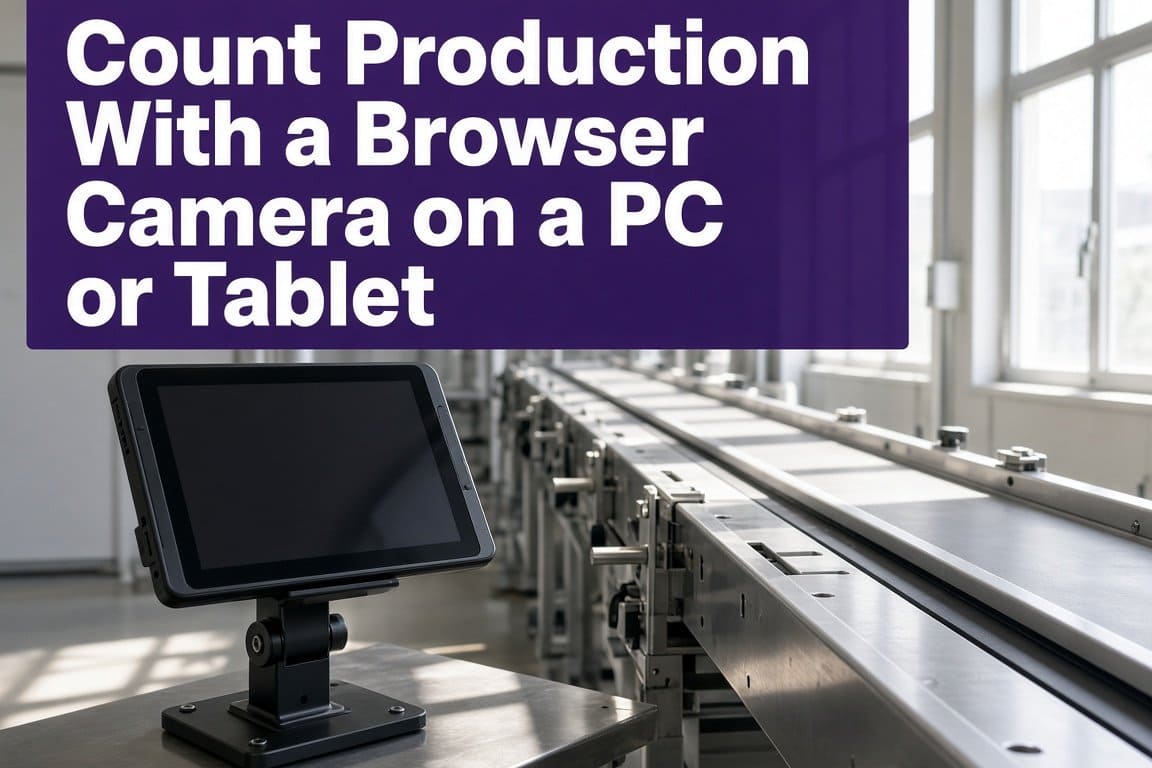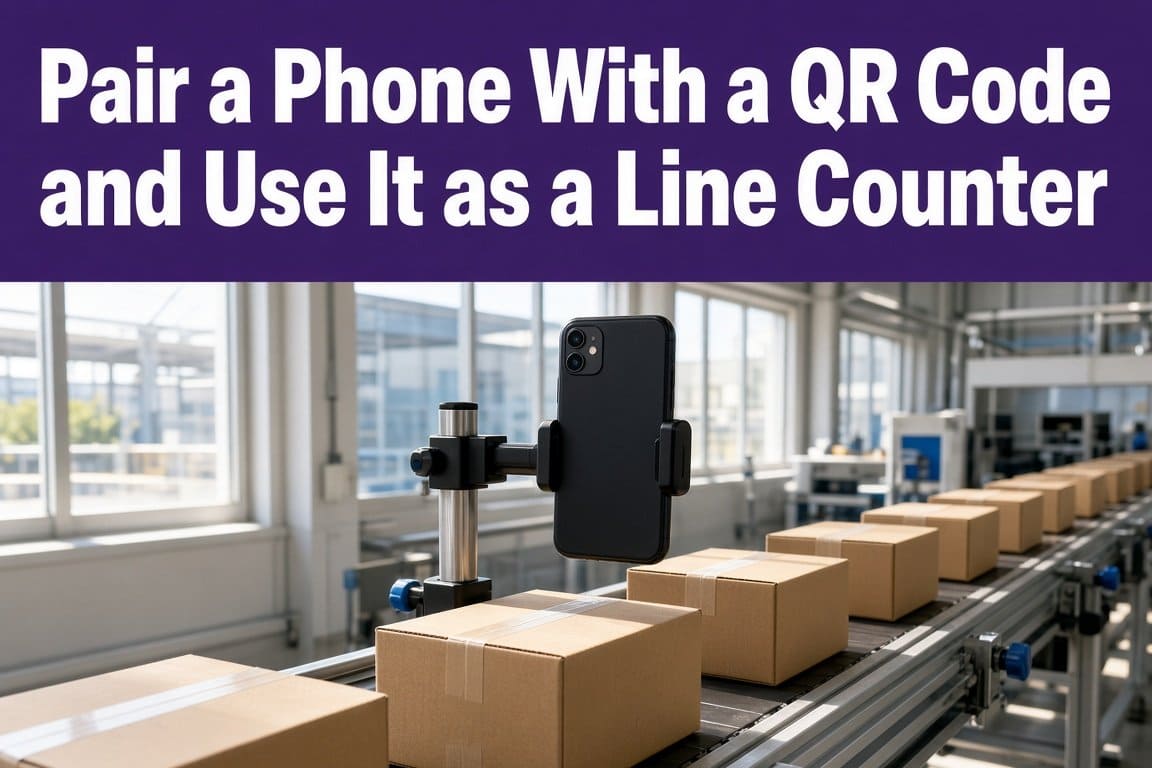
A phone is often the easiest camera to put over a conveyor. In Line OEE, choose the phone option in the Live section and a QR code appears. Scan it with the phone and a counting page opens in the phone's browser, already linked to that line. There is no app to install and no sign-in to type on the shop floor. You can sign up to access Line OEE and pair your first phone today, with 14 days of Pro features and no card.
iFactory Tools · Production · Counting sources
Turn a spare phone into a line counter
Scan a QR code, mount the phone over the line, and its browser counts units for that line.
From QR code to counts
What the phone runs
The same counting code as a PC
The counter that runs in a PC browser runs on the phone too, so a phone and a PC count the same way.
A line or a zone
A line across a conveyor counts each unit that crosses it. A zone suits a bench where people pack by hand.
Direction and sensitivity
Count in one direction or any, and tune how sure a pass must be before it counts.
Counts sent in batches
Batches carry their own IDs, so a batch sent twice is not counted twice.
Count a line with the phone you already have
No app and no sign-in on the phone. Pro features are free for 14 days, no card required.
Where the phone's counts show up
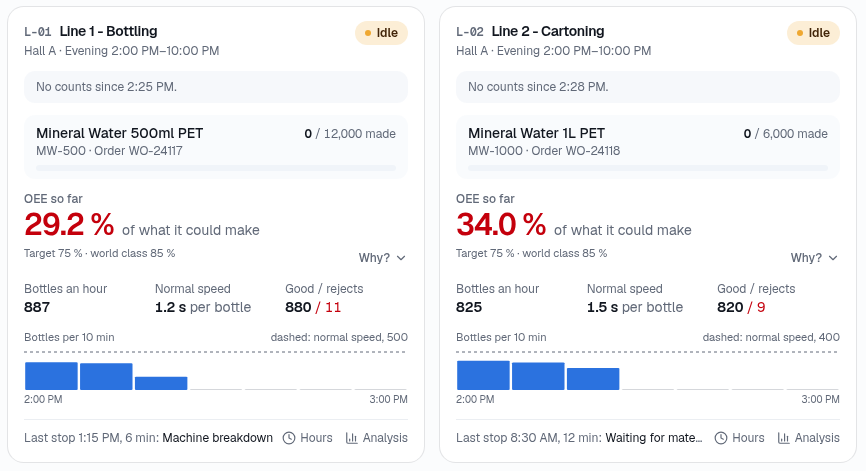
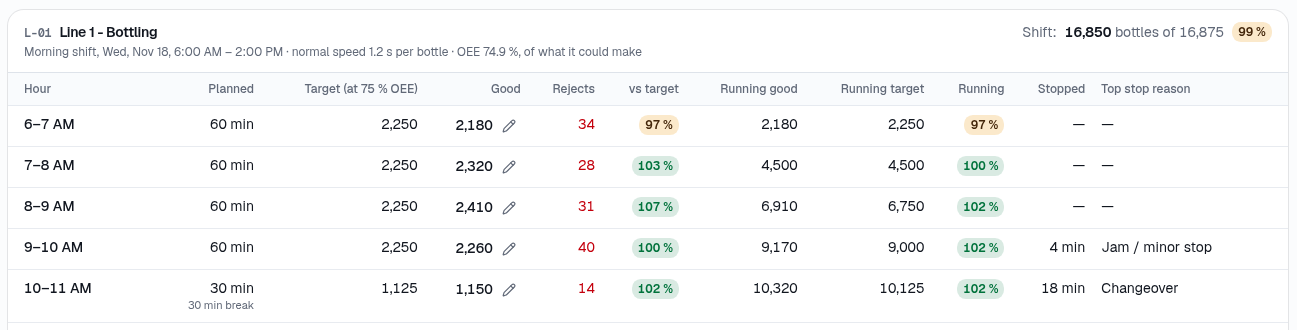
A paired phone counts for its line like any other device. The counts feed the line card, Hour by hour, Analysis and the shift report.
Phone link settings and safeguards
| Item | How it works |
|---|---|
| Pairing key | Only a hash is stored; the QR code can be printed again |
| New QR code | Replaces the old one as the next version |
| Link lifetime | A set number of hours (12 by default, up to 24) or to the end of the shift |
| Last seen | The device's last-seen time is recorded |
| Ended session | The phone shows an ended page instead of counting |
Keep the phone counting
Power on, screen awake
Counting runs in the phone's browser, so a sleeping screen or a closed tab stops it. Mount the phone on a charger, keep the screen awake and check the line card for fresh counts at the start of each shift.
Phone or fixed camera?
A phone for trials and small cells
Fast to set up and easy to move between lines, temporary setups and short trials.
A fixed camera for permanent lines
For a permanent mount, a fixed camera set up with the iFactory team is also available.
Expert review
A close review of the device pages and pairing code shows a careful design: the phone gets a short-lived counting link rather than a login, only a hash of its key is kept, and the same counter runs on the phone and the PC.
The practical limit is the phone itself. A browser on a sleeping or unplugged phone does not count, so treat a phone as a quick start or a temporary counter and plan a fixed mount for lines that run every shift.
Phone counter questions
Do I need to install an app on the phone?
No. Scanning the QR code opens a counting page in the phone's browser, linked to that line. There is no app to install and nothing to sign in to on the phone.
How long does a phone's counting link last?
It is set per company: a number of hours, 12 by default and up to 24, or until the end of the shift. When a counting session ends, the phone shows an ended page.
Is the phone link safe to leave on the line?
Only a hash of the pairing key is stored, and the device's last-seen time is recorded. A manager can print the same QR code again, and a new QR code replaces the old one as the next version.
What happens if the phone screen goes to sleep?
Counting runs in the phone's browser, so a sleeping phone or a closed tab stops counting. Keep the phone on power with the screen awake. You can sign up to access Line OEE and test it on one line.
When should I use a fixed camera instead?
A phone suits trials, temporary lines and small cells. For a permanent mount, a fixed camera set up with the iFactory team is the other option. You can get started with Line OEE with a phone first.
Pair a phone with your first line
Scan the QR code, draw the counting line, and see OEE build up for the shift.
- Counting page in the phone browser
- Hashed key, links that end
- Same counts as a PC camera
Free for 14 days · no card needed