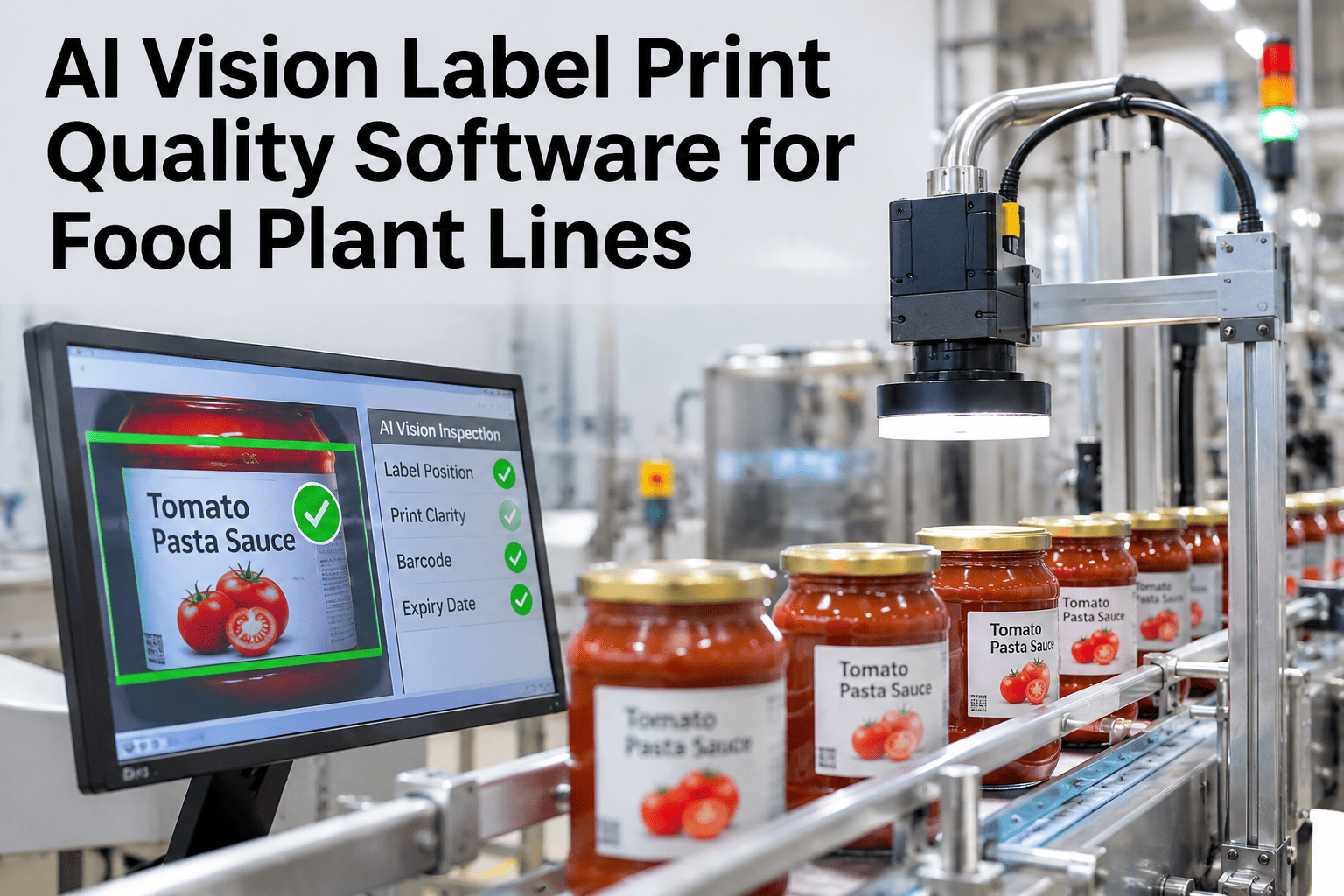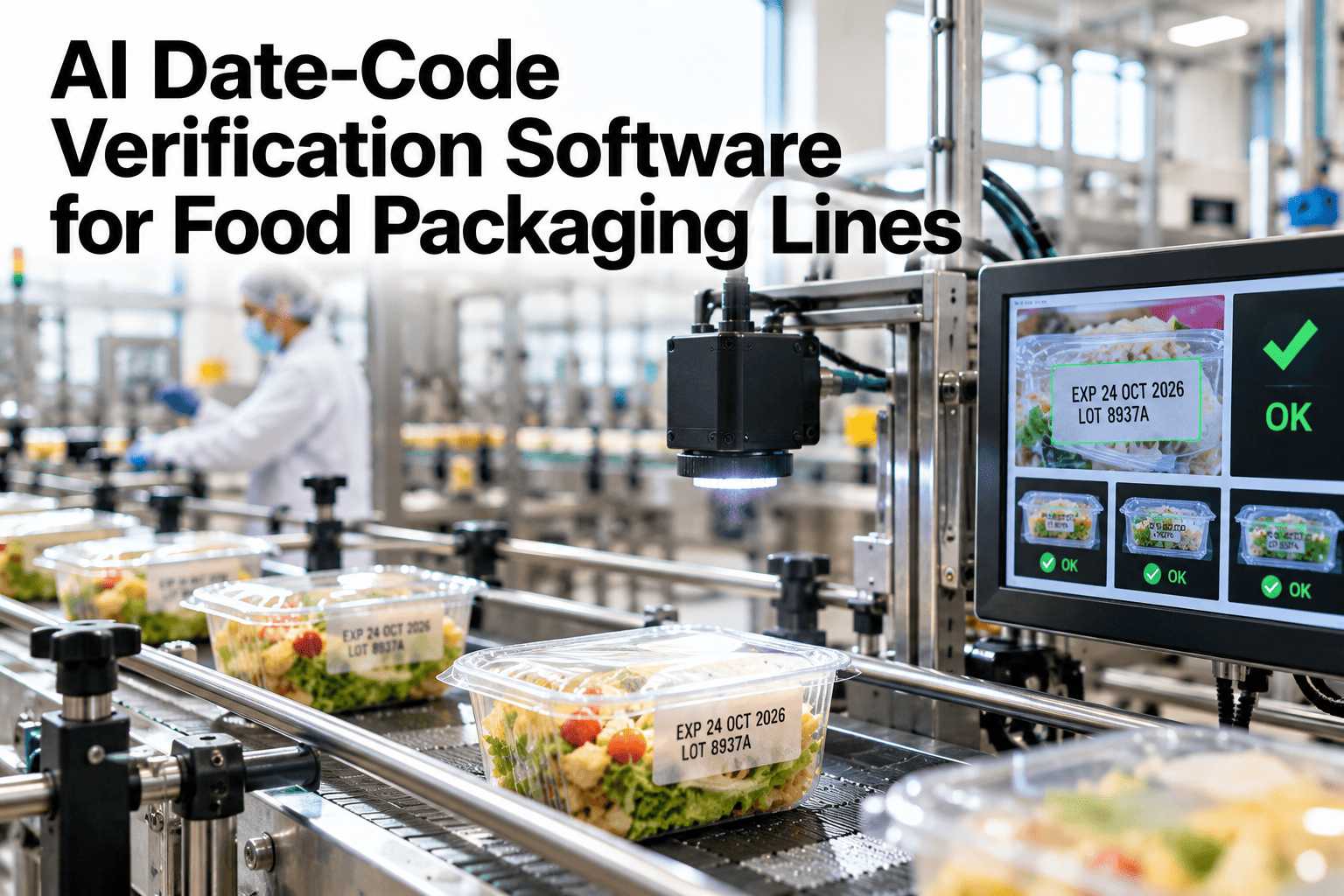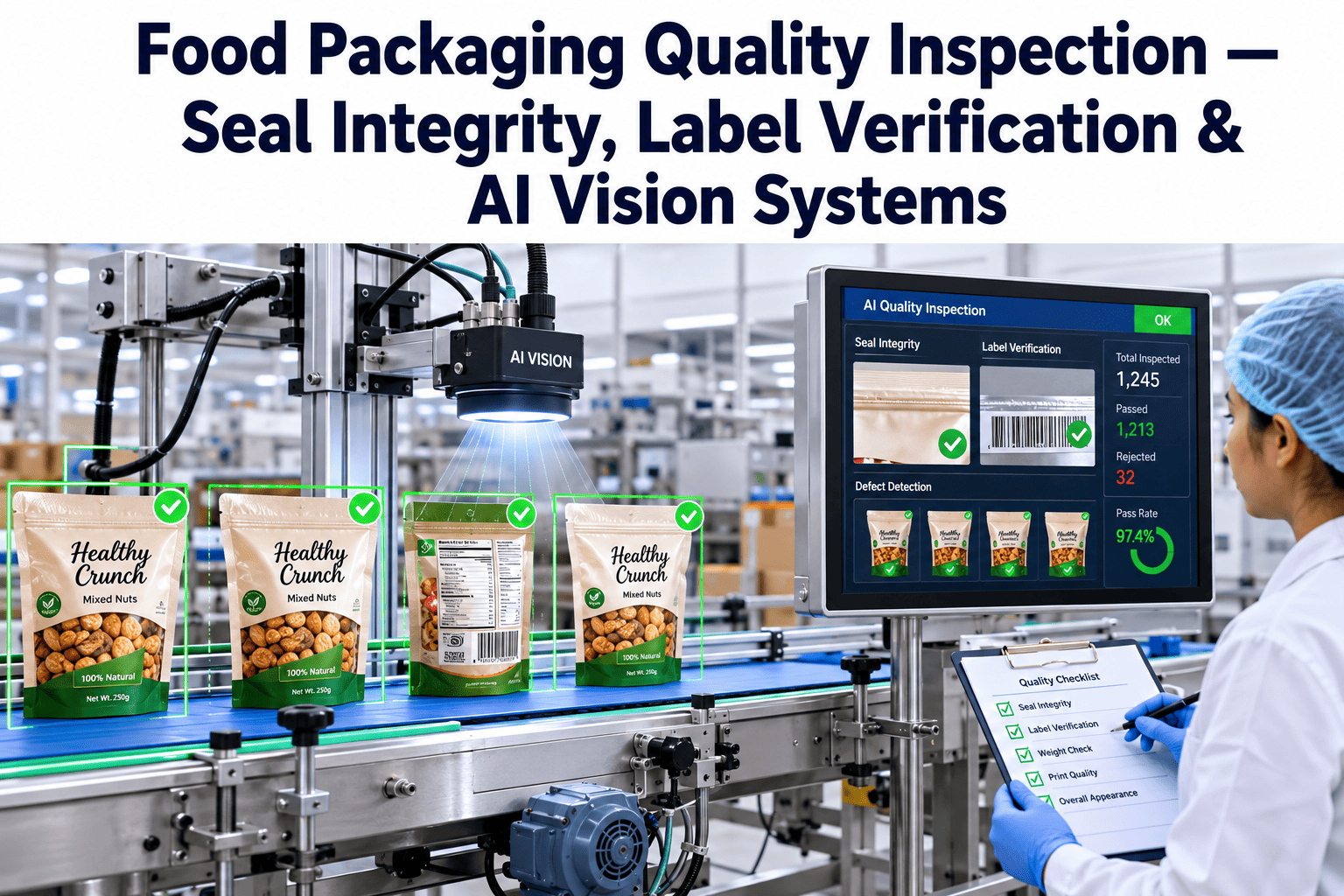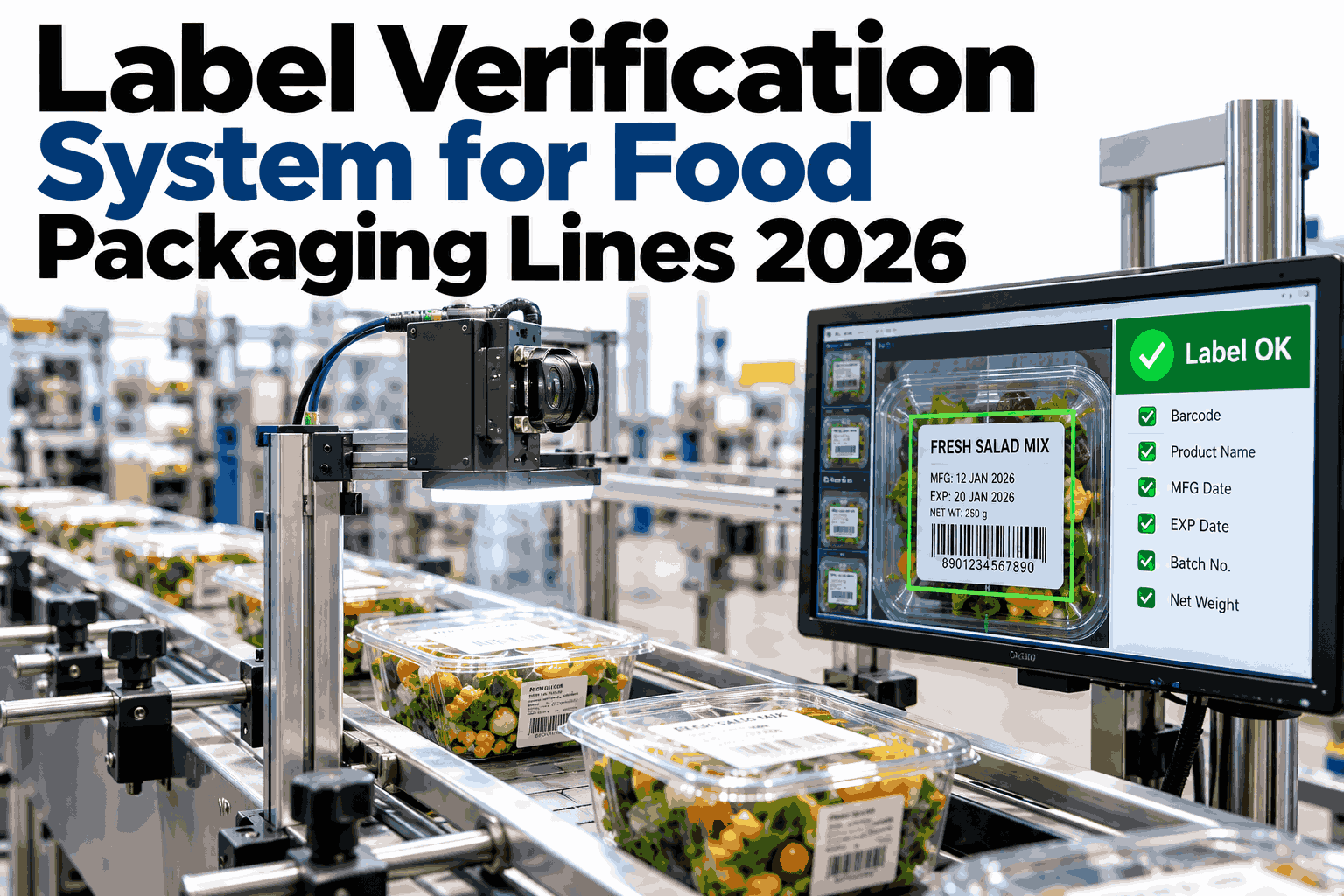
A pallet of the wrong SKU, a bag printed with last quarter's allergen statement, a case stamped with yesterday's date code — none of these look like a defect on the line. The product inside is fine. The label is wrong, and in food packaging that distinction barely matters once the pallet has left the dock. Retailers charge back the load, regulators treat an undeclared allergen as a recall trigger regardless of intent, and the plant that caught it would rather have caught it at the labeler than at a customer's receiving dock. A camera watching every label against the record it is supposed to match is worth seeing against your own SKU list in a short session.
Catch the Wrong Label Before the Pallet Does
iFactory AI checks SKU, allergen statement, and date code against the master record on every pack, at line speed, and flags the mismatch before it reaches a customer.
Why Mislabeled Packages Still Reach the Case Packer
Label errors rarely come from a bad printer. They come from the gap between a changeover on the floor and the record that is supposed to describe what just changed.
What a Mismatch Actually Triggers
The regulatory and commercial response to a label error depends on what the error touches, not on how the plant intended it. The table below separates the three mismatch types this page focuses on.
| Mismatch Type | Typical Trigger | Usual Response |
|---|---|---|
| Wrong SKU | Changeover timing or picking error at the labeler | Retailer chargeback, line hold, rework of affected pallet |
| Wrong Allergen Statement | Recipe or ingredient change not reflected in label text | Treated as a recall trigger under FDA and USDA guidance |
| Wrong Date / Lot Code | Printer drift, unreadable print, or stale code after a stoppage | Traceability gap; can block a targeted recall from working correctly |
An undeclared allergen is treated the same way by regulators whether it reached one case or an entire truckload, which is why catching it at the labeler matters more than catching it during a customer complaint.
SKU Mismatch
The product and package are correct, but the printed SKU, GTIN, or item description belongs to a different product entirely. A fast visual scan of the carton often misses it.
Allergen Line Mismatch
The "Contains" statement or ingredient list text is out of date against the current recipe, which is the single most common driver of food recalls tracked by FDA.
Date / Lot Code Mismatch
A stale, duplicated, or unreadable code that breaks the chain a recall or a shelf-life audit depends on, even when the product itself is fine.
How Vision-Based Verification Works on the Line
The check itself is simple to describe. The work is in building a master record that every pack can be compared against, and keeping that record current as SKUs and recipes change.
Barcode Scanning Alone vs Full Label Verification
Many lines already scan a barcode at the end of the labeler. That step catches less than plants assume, because a barcode scan only confirms the code is readable, not that the surrounding text is correct.
Barcode Scan Only
Full Vision Verification
What a Verification Check Actually Covers
"Label verification" means different things on different lines. These are the checks that matter for a food packaging line specifically.
A plant can run this check against a single SKU or a hundred, but the record it compares against has to change every time a recipe or a packaging spec changes, or the check starts validating against outdated information.
Print-Apply or Pre-Print Station
The label is placed on the primary package or case.
Verification Camera
Positioned immediately after labeling, before the pack joins the case-packing conveyor.
Case Packing
Only verified packs continue; flagged packs are diverted upstream of this point.
Palletizing and Shipping
The point where a missed mismatch becomes expensive, since correcting it here means breaking down a pallet.
An Illustrative Scenario: Three Mismatch Types in One Shift
The figures below are a labeled illustrative composite, not a reported customer result, showing what an inline check can surface across a single shift at a mid-size snack packaging line.
Walk Through a Shift Like This on Your Own Line
iFactory AI can show how inline verification would have handled a changeover, a recipe update, or a restart from your own production records.
Where iFactory AI Fits
iFactory AI is smart manufacturing and industrial software built to connect what happens on the label with what the work order and recipe record say should be there.
Line-Speed Capture
Vision stations image every pack without becoming the bottleneck on the line.
Master Record Matching
Each pack is checked against the active work order, not a static template that can go stale.
Allergen Text Verification
Printed allergen statements are compared word-for-word against the current approved recipe record.
Audit Trail and Traceability
Every verified and flagged pack is logged with a timestamp, supporting both internal audits and a recall investigation.
Frequently Asked Questions
Does this replace the barcode scanner we already have?
No, it works alongside it. A barcode scanner confirms the code decodes correctly, while label verification adds a check on the SKU text, allergen statement, and date code printed around that barcode, which a scan alone cannot read. See how the two checks run together on a demo line in a short walkthrough.
How does the system know what the correct label should say?
It compares each pack against the master record tied to the active work order, which is built from your recipe, SKU, and packaging specification data. Keeping that record current as recipes and SKUs change is the part that makes the check reliable rather than just decorative. Ask the iFactory AI team how master records are kept in sync with your ERP or label management system.
Will this slow down our packaging line?
The verification camera is built to run at the line's existing speed rather than becoming a new bottleneck, since the check happens inline on packs that are already moving. Most plants place it immediately after the labeler and before case packing, where a diverted pack can still be pulled cleanly. Discuss placement options for your specific line speed on a short call.
Can it catch an allergen statement that is technically correct text but on the wrong product?
Yes, because the check compares the allergen text against the record for the specific SKU currently running, not against allergen text in general. A correct-but-misapplied statement, such as text from a related product, is flagged the same way an outdated statement would be. Review this scenario against your own SKU family in a demo session.
What happens to a flagged pack once it is diverted?
The pack is routed off the main line before it reaches case packing, and the event is logged with a timestamp and the specific field that failed, so the operator can confirm the cause rather than guess at it. This logged history is also what feeds an audit trail if a recall investigation ever needs to trace back through verified runs. Get implementation guidance on divert mechanics for your line layout.
Stop a Mismatched Label at the Labeler, Not at the Dock
iFactory AI checks SKU, allergen statement, and date code against your master record on every pack. Book a walkthrough to see it against your own label requirements.